Video Tutorials
Watch the Tutorials to learn how to use the RRN.
Watch the Tutorials to learn how to use the RRN.
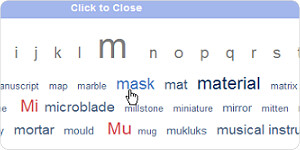
A good introduction to the RRN. This tutorial will show you how to search using the different filters provided by the RRN, as well as how to view your results.
This tutorial will show you how to use the Text Search. If you know exactly what you're looking for, searching by keywords will be much faster.

Learn to view and make comments about an item record with this tutorial.
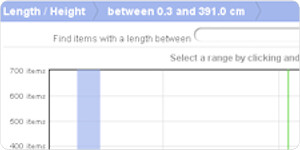
A guide to searching the RRN by measurements. A great tool if you need to search for something based on how long, tall, thick, or wide it is.
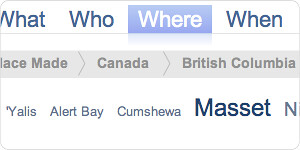
Learn how to find items using more than one search filter.
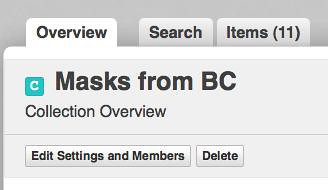
Learn how to start a project using items you've selected.
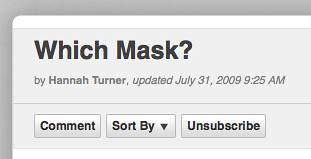
Learn how to talk about your project with other RRN users.
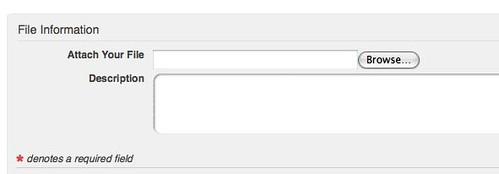
Learn how to upload files from your computer to your RRN discussion so that other users can view them.
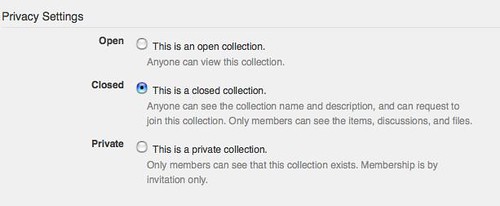
Learn how to adjust the privacy settings of your collection and make it Open, Closed or Private to other RRN users.
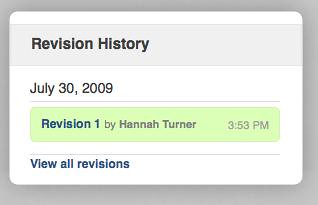
Learn how to write a document and share ideas with other RRN users in a collection.
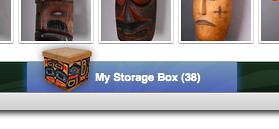
Learn how to collect items while you continue your search.
Learn how to collaborate with other users by inviting them to your collections and requesting to join theirs!
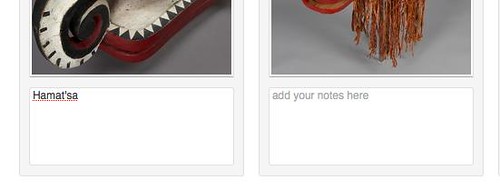
Watch this tutorial to find out how you can add notes, or annotations within your collection.
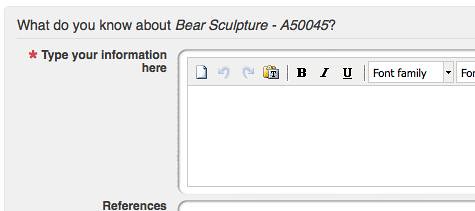
Watch this to learn how you can share your knowledge with the holding institution of a particular item on the RRN.
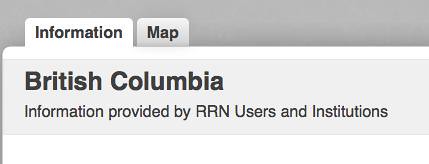
Find out about how to upload files, add information and even change map locations about people, places and things on the RRN.
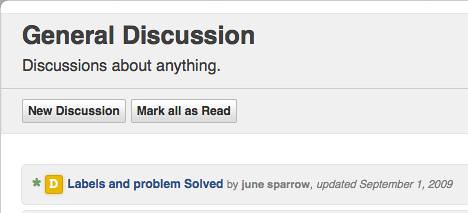
Learn how to talk with other members in the Discussions area.
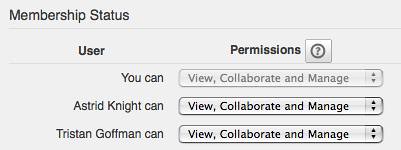
Learn how to grant specific levels of access to members of your collection.
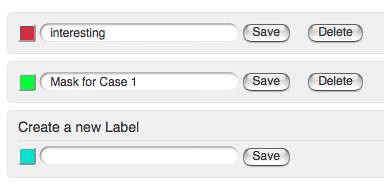
Learn how to add labels to items in your collection. This is an easy way to organize a large collection.
Take a brief tour of the Reciprocal Research Network, learn about the features you can use if you hold an account with the RRN.